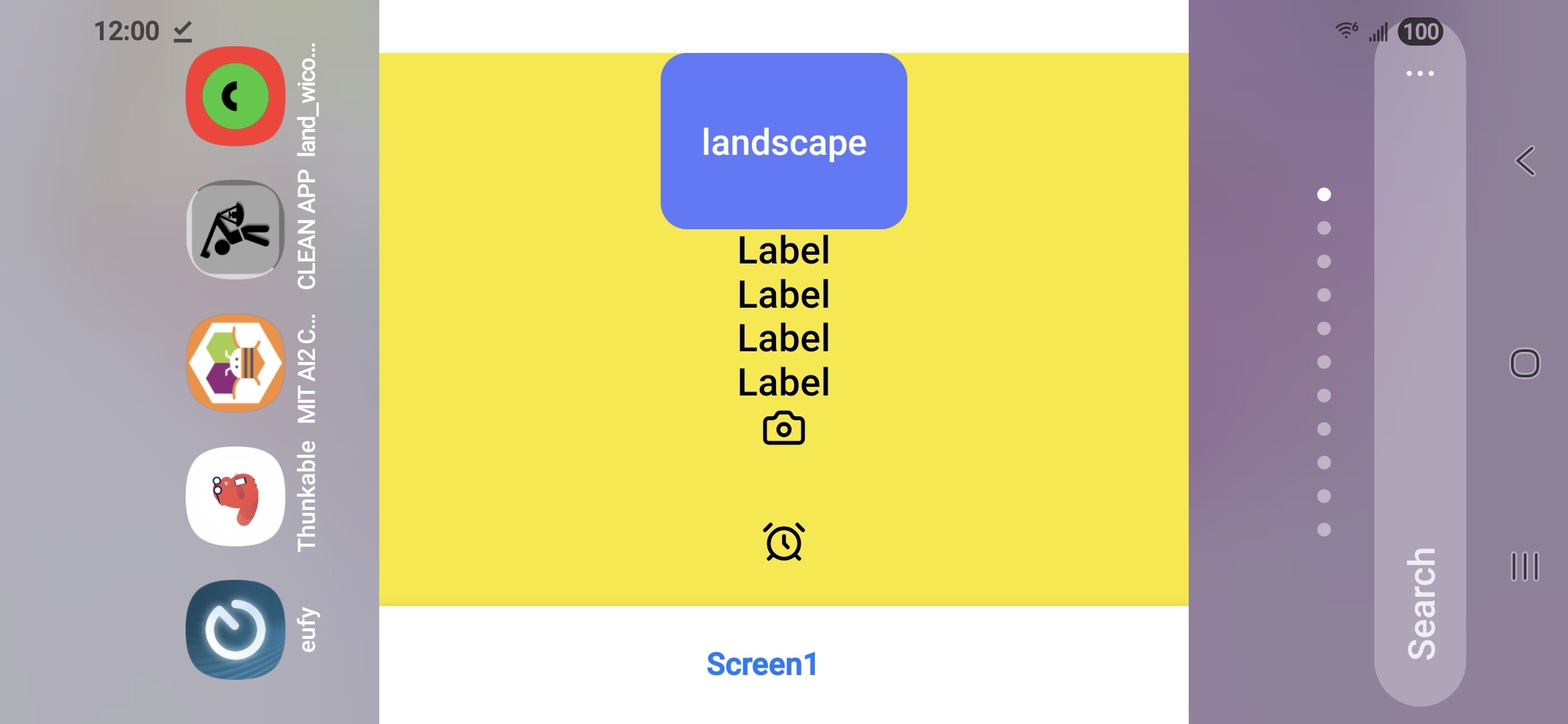
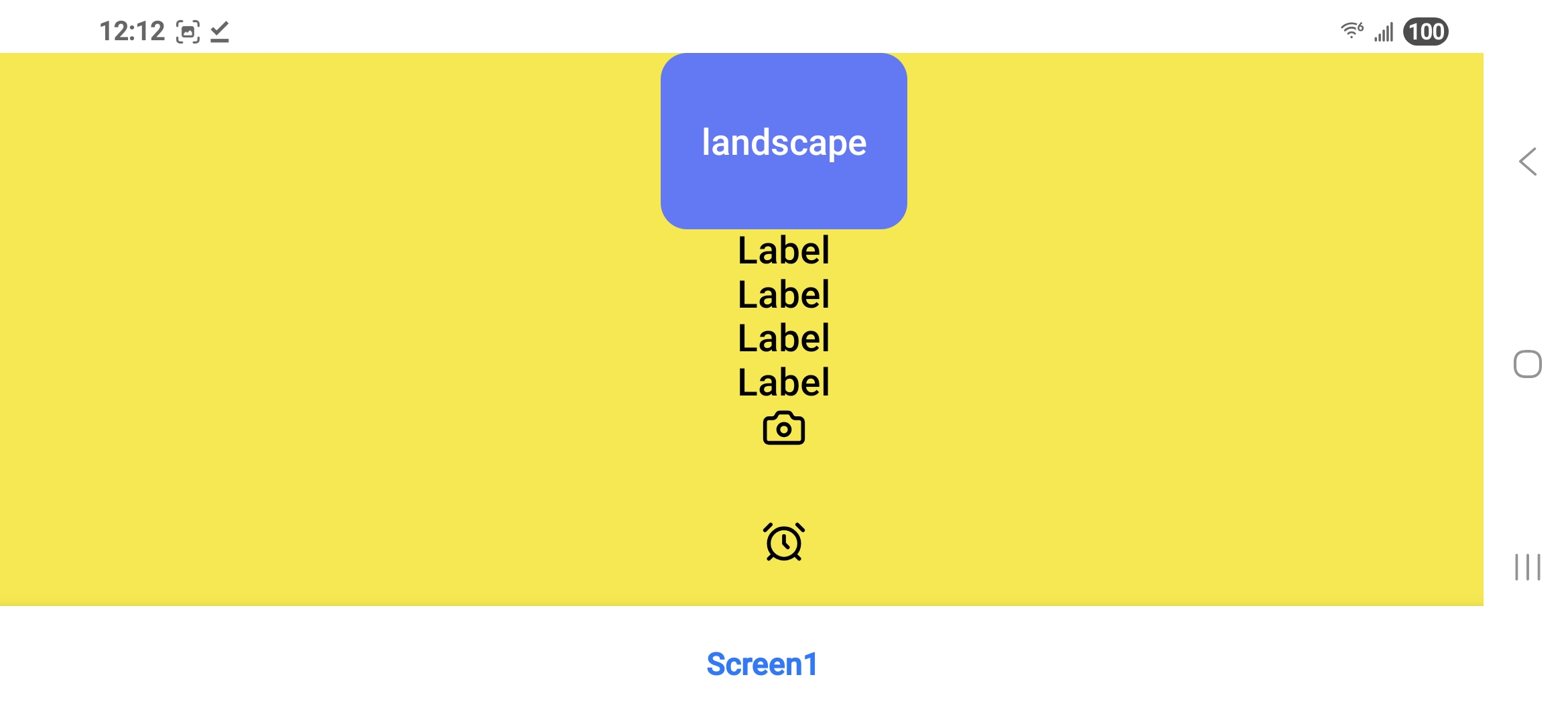
I decompiled (with APKtool) my test .apk and started digging. When you install an app icon, thunkable turns it into a splash screen in portrait orientation like this…….
Hi @22lemacym,
Thank you for investigating this more and sharing the details.
I will share them with the engineers and follow up here as soon as possible.
Thank you for your time on this.
Nice detective work! There must be something in the air tonight as I have also stumbled across a blocks-based solution to the Android layout scaling problem here, although I haven’t tested it on landscape projects yet.
Thanks for the reply. Please make sure engineering takes this seriously. I have my app built on appInventor, but really prefer the thunkable UI features. I am going to start rebuilding on thunkable and hopefully by the time I am ready to publish, you guys will have an update to fix the problem. I can’t re-mix and publish using APKtool . Thanks!
I had to add the app icon to my app to build and test it on IOS. Now I have to remix each time to build .apk to test on android……..very inconvenient and unpublishable to Google Play store.
Hi @22lemacym , thank you again for your patience. I would like to let you know that we have now officially released a fix for this bug.
Please keep in mind that if your downloaded or published app is affected by this bug, you will need to re-download or re-publish your app for these changes to take effect.