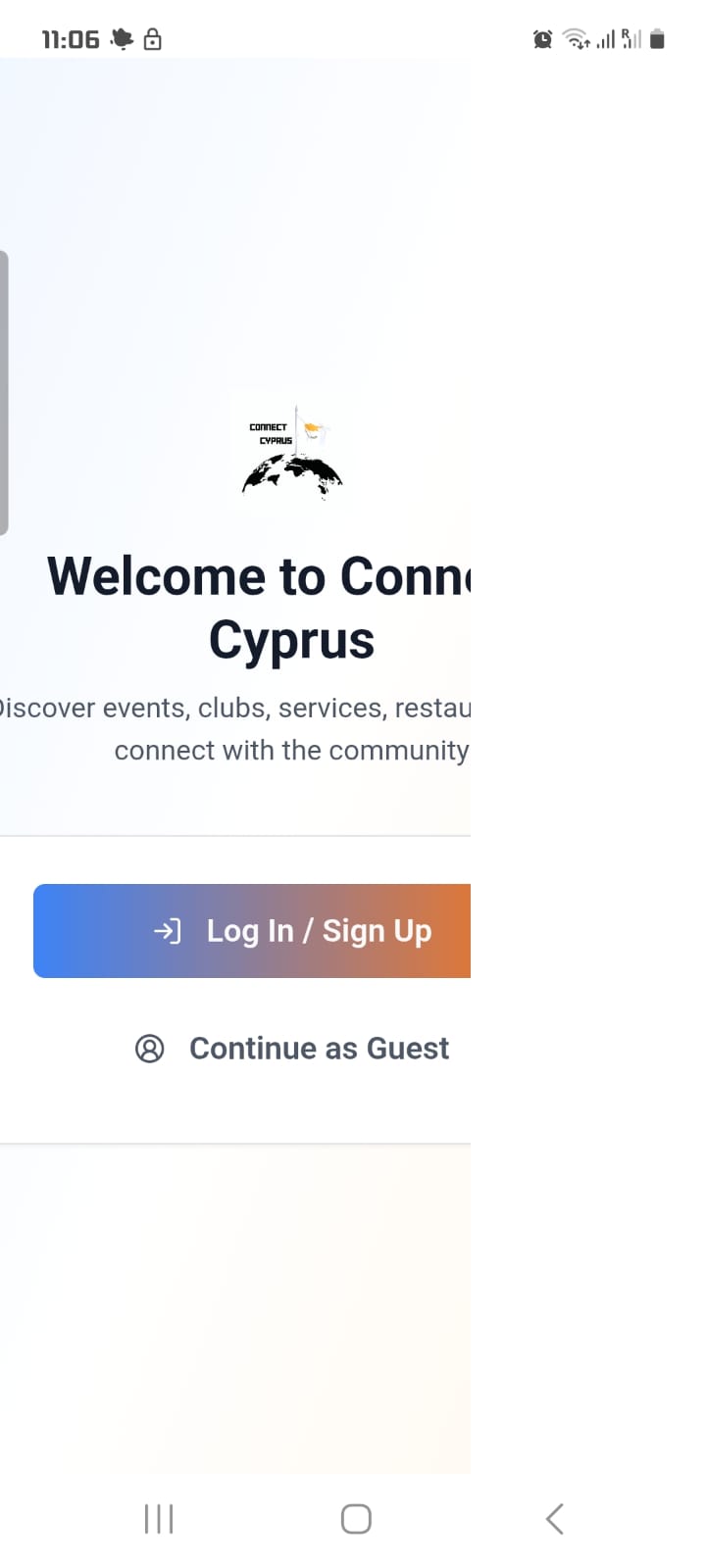
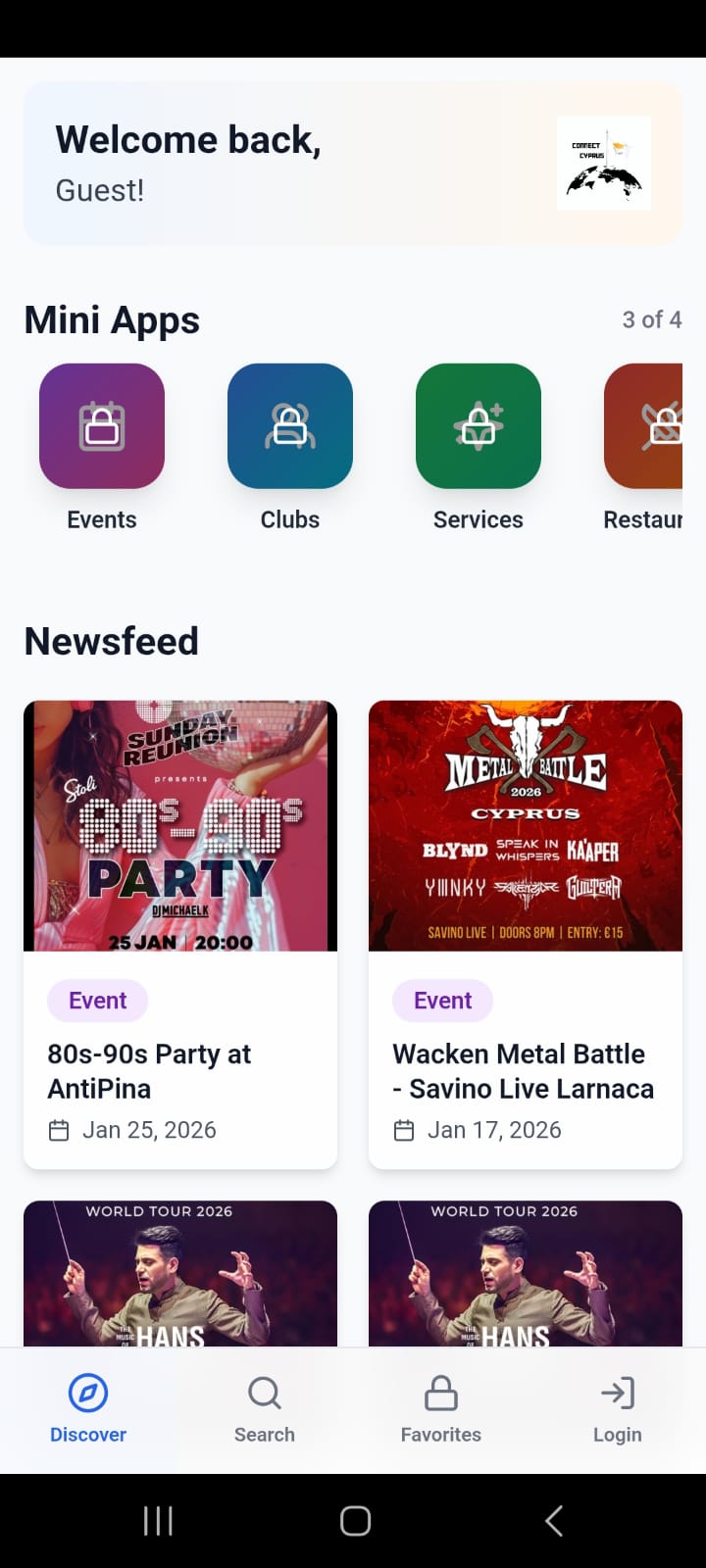
I’m having an issue with my WebView app. The app does not open in fullscreen at all. During live testing, the website loads, but it is not fullscreen. When I download and install the test build, the app only shows a white screen and nothing loads. The website itself works fine in the browser, and I’m using only one WebView for the entire app. What settings am I missing to make the WebView load properly and always open in fullscreen on all devices?
A WebViewer placed directly on the screen cannot size itself correctly. It has no proper boundaries, which is why you see the dead space. (You can see this for yourself by using the Webviewer Computed Height blocks - it will return ‘0’ every time.)
The fix is to nest it properly and then let a container control its visible size.
The good thing is that the app now always opens the WebView inside the app. The last time, it only loaded the first time. After closing and reopening the app, it would just show a white, blank page. That no longer happens.
Now the WebView always loads, which is the positive part. However, the WebView is still not fully correct. It is not displayed in full screen. I think the height is calculated too large, while the width is too small. So it is too tall and too narrow, which is the current problem.
I hope you still have a solution for this. Thank you very much for your help.
From what I can see, the height is actually correct now. The WebViewer is filling the full vertical space of the screen. The remaining issue looks to be width (and your layout/container settings), not height.
The issue where the WebView only loaded the first time and then showed a white screen after reopening was not something you did wrong. That was caused by a recent Thunkable update. There’s an active bug report about it here, which matches what you were seeing:
If you’d like, DM me a link to the project and I can take a look at your setup.