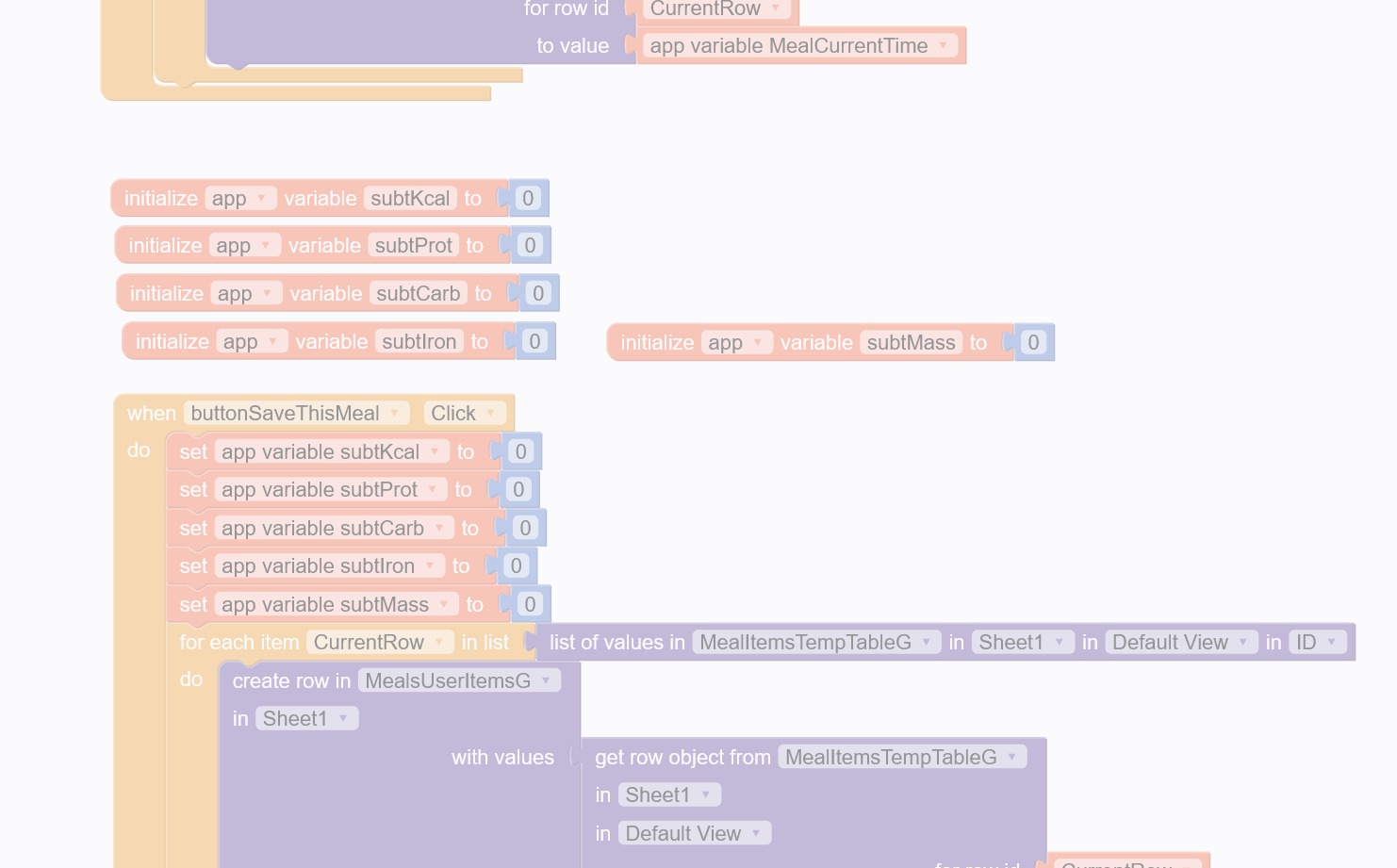
I logged in and loaded a project this evening to work on a few user interface items. But I found a bunch of basic functionality was not working. So I looked at the blocks and found dozens of errors.
At first I thought just a couple (important) app variables had gone away, and maybe I did that by accident. I started fixing things and soon found many more missing.
There are at least 8 variables simply gone, not listed in project assets, all blocks broken. Some were data, some time, some logical.
Has anyone else seen this? Is there any preventative measure? [note that in the big block above there are four values being summed - in the final app version there will be over 40. I don’t ever want to have to rebuild that!]
I’m looking at the last auto-save now to see if that sets things right again.
I think I found the culprit, but it’s a bit surprising.
I had deleted a ‘redundant’ screen – separate screens were being used to create or to edit a record; I changed to using a logical flag to change behavior on just the edit screen.
The edit screen started as a “duplicate” of the create screen. Both had all the same variable initializations.
Apparently when I deleted the unneeded create screen Thunkable cleaned house - wiping out all trace of the formerly initialized variables.
Ok, my pseudo-code was a bit sloppy, but this was a stiff punishment! Thankfully the oldest auto-save has the needed screen.
To avoid this problem, if I just remove the initialize blocks from the screen to be deleted, will that do the trick?
ACK!!!
I just deleted some of the individual initialize blocks from the unneeded screen, and Thunkable did the same thing!! The initialize blocks still exist on the screen that is staying, but the variables got wiped out and the blocks all broken on both screens.
And now the auto-save I just restored from is gone…