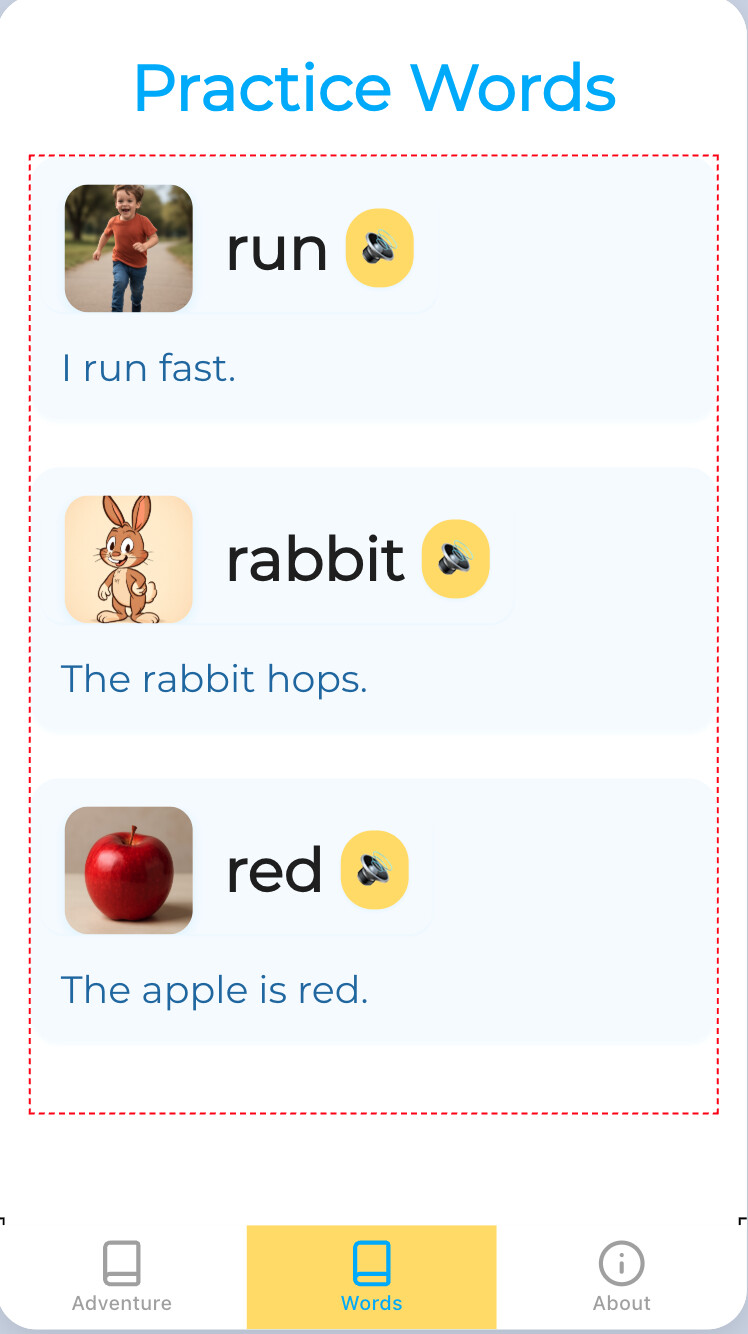
So the AI gave me an app that offers a word that appears hyperlinked and a volume speaker next to it as if I can click on it to sound out a word. Unfortunately, it doesn’t allow me to do hear it. Please guide me to “what now”. Thank you!
Hi, I don’t know if you’re still needing help with this but if possible, could you share a link to your project?
Cool! Nope. I have not. Here it is: https://x.thunkable.com/copy/1e33643dd0e7163de8b90067595282af
The AI tool is creating the layout but – unless it’s improved recently – not the code you need. When you click on a sound button like in this screenshot, you’re actually clicking on a button within a layout of a Data Viewer List called “Words1”:

The code for making that actually play a related sound is complicated but it would look something like this:

You would need a “sound” column added to your data source, and would need to select it in the get value block above instead of the “word” column. You would also need an actual sound file uploaded as an asset that has the exact name of the cell value for the “sound” column in that row.
