# Layout issues after Icon installed - Maybe solved?
**URL:** https://community.thunkable.com/t/layout-issues-after-icon-installed-maybe-solved/4108119
**Category:** Issues / Bugs
**Created:** [December 23, 2025, 6:41pm UTC](https://community.thunkable.com/t/layout-issues-after-icon-installed-maybe-solved/4108119 "2025-12-23T18:41:57Z")
**Posts on this page:** 7
**Page:** 1
### Author:  [@22lemacym](https://community.thunkable.com/u/22lemacym)
#### Post date: [December 23, 2025, 6:41pm UTC](https://community.thunkable.com/t/layout-issues-after-icon-installed-maybe-solved/4108119/1 "2025-12-23T18:41:57Z")
Long Post Warning!!!
Okay, I’ve been fighting this for 2 weeks and trying to figure out what causes this after installing an app icon……
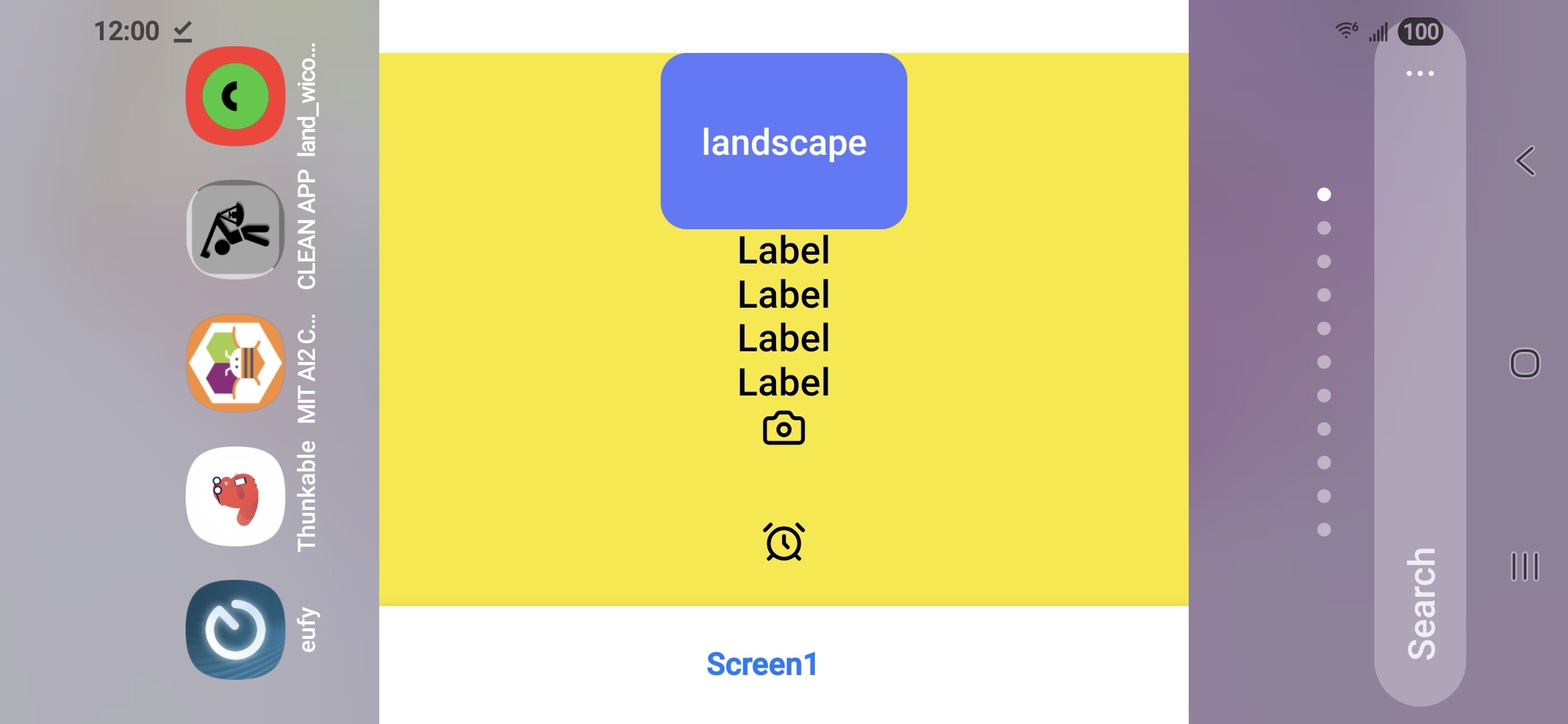
I decompiled (with APKtool) my test .apk and started digging. When you install an app icon, thunkable turns it into a splash screen in portrait orientation like this…….

Then when your app opens, the splash screen pops up and your icon is “splashed”. The splashscreen.xml (see below) is for gravity gravity=”center”

When I changed gravity to “fill”, recompiled the .apk and reinstalled the app ……..It fixed the issue

so now my app launches correctly, directly to landscape and looks correct….
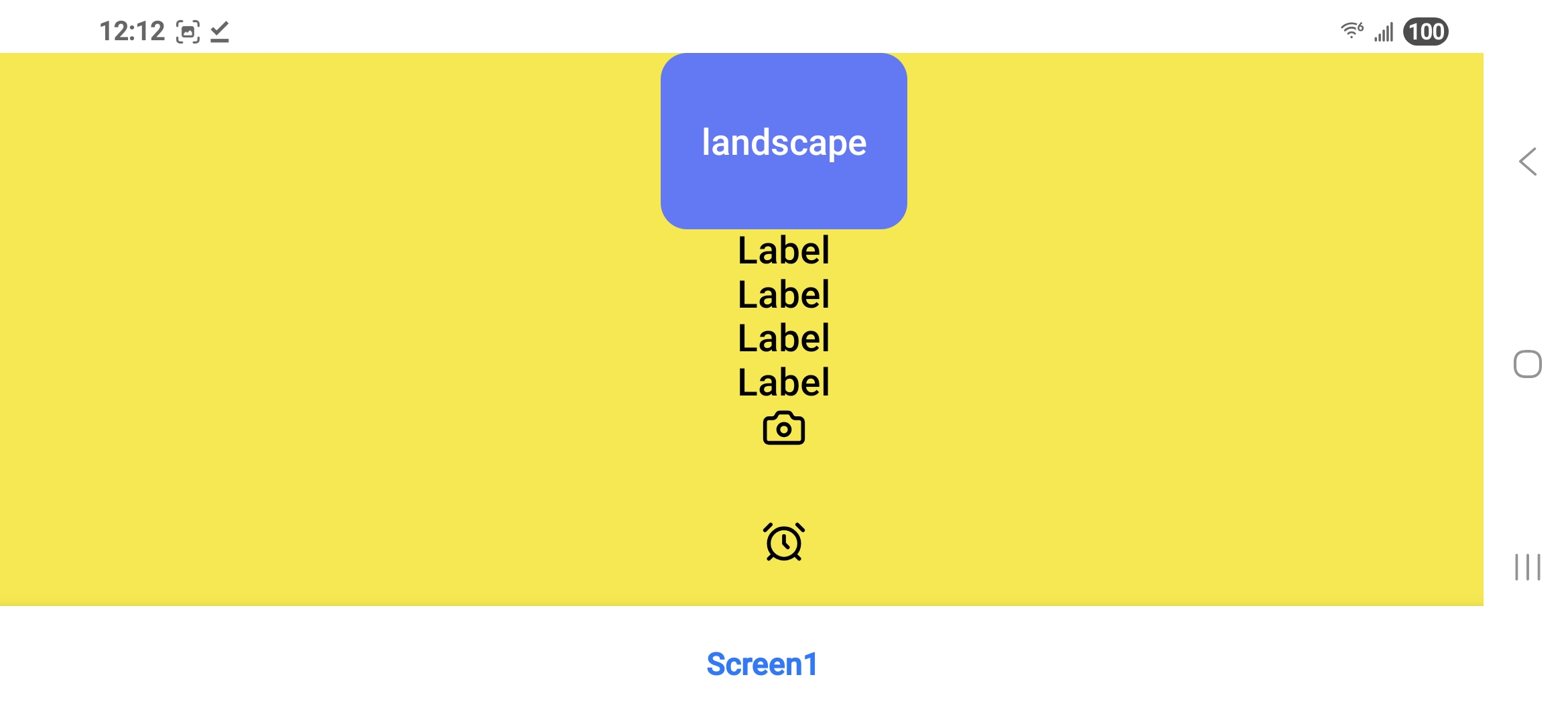
So the summary, right now if you set your app to be native “landscape”, add an app icon, you’ll get funny results on launch. This may also be causing some of the other bugs like these [Let's Fix Layouts on Android Once and For All - Help Needed!](https://community.thunkable.com/t/lets-fix-layouts-on-android-once-and-for-all-help-needed/4108099) and [Why It’s Currently Impossible to Publish a Properly Responsive Android App in Thunkable - #11 by grant.mccallum](https://community.thunkable.com/t/why-it-s-currently-impossible-to-publish-a-properly-responsive-android-app-in-thunkable/4107844/11) I believe there was some sort of change made during update #504 where there was a fix put in to avoid splash screens from being stretched. What ever was done then might have caused this bug. Only Thunkable can tell us for sure. Hope this can get fixed so I can start making my production app with confidence.
---
### Author:  [@ioannis](https://community.thunkable.com/u/ioannis)
#### Post date: [December 23, 2025, 6:51pm UTC](https://community.thunkable.com/t/layout-issues-after-icon-installed-maybe-solved/4108119/2 "2025-12-23T18:51:20Z")
Hi @22lemacym, 🎄
Thank you for investigating this more and sharing the details.
I will share them with the engineers and follow up here as soon as possible.
Thank you for your time on this.
---
### Author:  [@grant.mccallum](https://community.thunkable.com/u/grant.mccallum)
#### Post date: [December 23, 2025, 7:33pm UTC](https://community.thunkable.com/t/layout-issues-after-icon-installed-maybe-solved/4108119/3 "2025-12-23T19:33:41Z")
Nice detective work! There must be something in the air tonight as I have also stumbled across a blocks-based solution to the Android layout scaling problem [here](https://community.thunkable.com/t/solved-how-to-make-android-layouts-fit-correctly-on-every-device/4108120), although I haven’t tested it on landscape projects yet.
---
### Author:  [@22lemacym](https://community.thunkable.com/u/22lemacym)
#### Post date: [December 23, 2025, 11:31pm UTC](https://community.thunkable.com/t/layout-issues-after-icon-installed-maybe-solved/4108119/4 "2025-12-23T23:31:52Z")
Thanks for the reply. Please make sure engineering takes this seriously. I have my app built on appInventor, but really prefer the thunkable UI features. I am going to start rebuilding on thunkable and hopefully by the time I am ready to publish, you guys will have an update to fix the problem. I can’t re-mix and publish using APKtool . Thanks!
---
### Author:  [@22lemacym](https://community.thunkable.com/u/22lemacym)
#### Post date: [January 2, 2026, 1:54pm UTC](https://community.thunkable.com/t/layout-issues-after-icon-installed-maybe-solved/4108119/5 "2026-01-02T13:54:16Z")
Any updates on this?
I had to add the app icon to my app to build and test it on IOS. Now I have to remix each time to build .apk to test on android……..very inconvenient and unpublishable to Google Play store.
---
### Author:  [@ioannis](https://community.thunkable.com/u/ioannis)
#### Post date: [January 19, 2026, 3:40pm UTC](https://community.thunkable.com/t/layout-issues-after-icon-installed-maybe-solved/4108119/6 "2026-01-19T15:40:22Z")
Hi @22lemacym , thank you again for your patience. I would like to let you know that we have now officially released a fix for this bug.
Please keep in mind that if your [downloaded or published app](https://docs.thunkable.com/publishing-apps/publish) is affected by this bug, you will need to re-download or re-publish your app for these changes to take effect.
---
### Author:  [@22lemacym](https://community.thunkable.com/u/22lemacym)
#### Post date: [January 19, 2026, 5:52pm UTC](https://community.thunkable.com/t/layout-issues-after-icon-installed-maybe-solved/4108119/7 "2026-01-19T17:52:52Z")
Thanks for the reply…
Unfortunately, I’ve already deleted the app and moved on to using Flutter and Claude AI.
I’ll still use Thunkable for “non-commercial apps”.
I wish I hadn’t spent so much time trying to fix the problem (thinking it was on my end)…