# How to write in text input and return on label?
**URL:** https://community.thunkable.com/t/how-to-write-in-text-input-and-return-on-label/107142
**Category:** Questions about Thunkable X
**Tags:** math, textinput
**Created:** [June 15, 2019, 9:10am UTC](https://community.thunkable.com/t/how-to-write-in-text-input-and-return-on-label/107142 "2019-06-15T09:10:03Z")
**Posts on this page:** 20
**Page:** 1
### Author:  [@db82203608aa4b](https://community.thunkable.com/u/db82203608aa4b)
#### Post date: [June 15, 2019, 9:10am UTC](https://community.thunkable.com/t/how-to-write-in-text-input-and-return-on-label/107142/1 "2019-06-15T09:10:03Z")
Hi guys, i create 2 text input and under them one label…
So i want write “1” in the first text imput and “5” on the second text imput, the label need return 6 because 1+5=6 (LOL!!!) but i don’t know how to do this. Its possible? (I prefer not create a button to do this calculation)
---
### Author:  [@Peter\_Mathijssen](https://community.thunkable.com/u/Peter_Mathijssen)
#### Post date: [June 15, 2019, 9:55am UTC](https://community.thunkable.com/t/how-to-write-in-text-input-and-return-on-label/107142/2 "2019-06-15T09:55:19Z")
If you don’t want to make a button you have to use enter as a trigger in the textbox. You can use this extension for that because it is not a standard block.
[https://puravidaapps.com/textbox.php](https://puravidaapps.com/textbox.php)
---
### Author:  [@db82203608aa4b](https://community.thunkable.com/u/db82203608aa4b)
#### Post date: [June 15, 2019, 11:34am UTC](https://community.thunkable.com/t/how-to-write-in-text-input-and-return-on-label/107142/3 "2019-06-15T11:34:32Z")
[Download TaifunTextbox extension (aix file)](https://downloads.sourceforge.net/project/puravidaapps/com.puravidaapps.TaifunTextbox.aix)
So i download this and upload this file in my app on thunkable, but i dont have ideia how to use (this extension on my app)… I see in other videos how to do, but its old videos… help me please =(
And if are possible to show me how to put the blocks too?
thanks!!!
---
### Author:  [@cttricks](https://community.thunkable.com/u/cttricks)
#### Post date: [June 15, 2019, 12:48pm UTC](https://community.thunkable.com/t/how-to-write-in-text-input-and-return-on-label/107142/4 "2019-06-15T12:48:28Z")
Hello @db82203608aa4b
Here is some screenshots and a sample AIA file to show you, How you can put the blocks! 😀


**Download AIA :** [CtSample01AIA.aia](https://us1.discourse-cdn.com/flex015/uploads/thunkable/original/3X/f/e/fefbd3c05a8fc6af505b606332b5416a055709c2.aia) (18.7 KB)
//Ct tricks
---
### Author:  [@db82203608aa4b](https://community.thunkable.com/u/db82203608aa4b)
#### Post date: [June 15, 2019, 6:11pm UTC](https://community.thunkable.com/t/how-to-write-in-text-input-and-return-on-label/107142/5 "2019-06-15T18:11:57Z")
 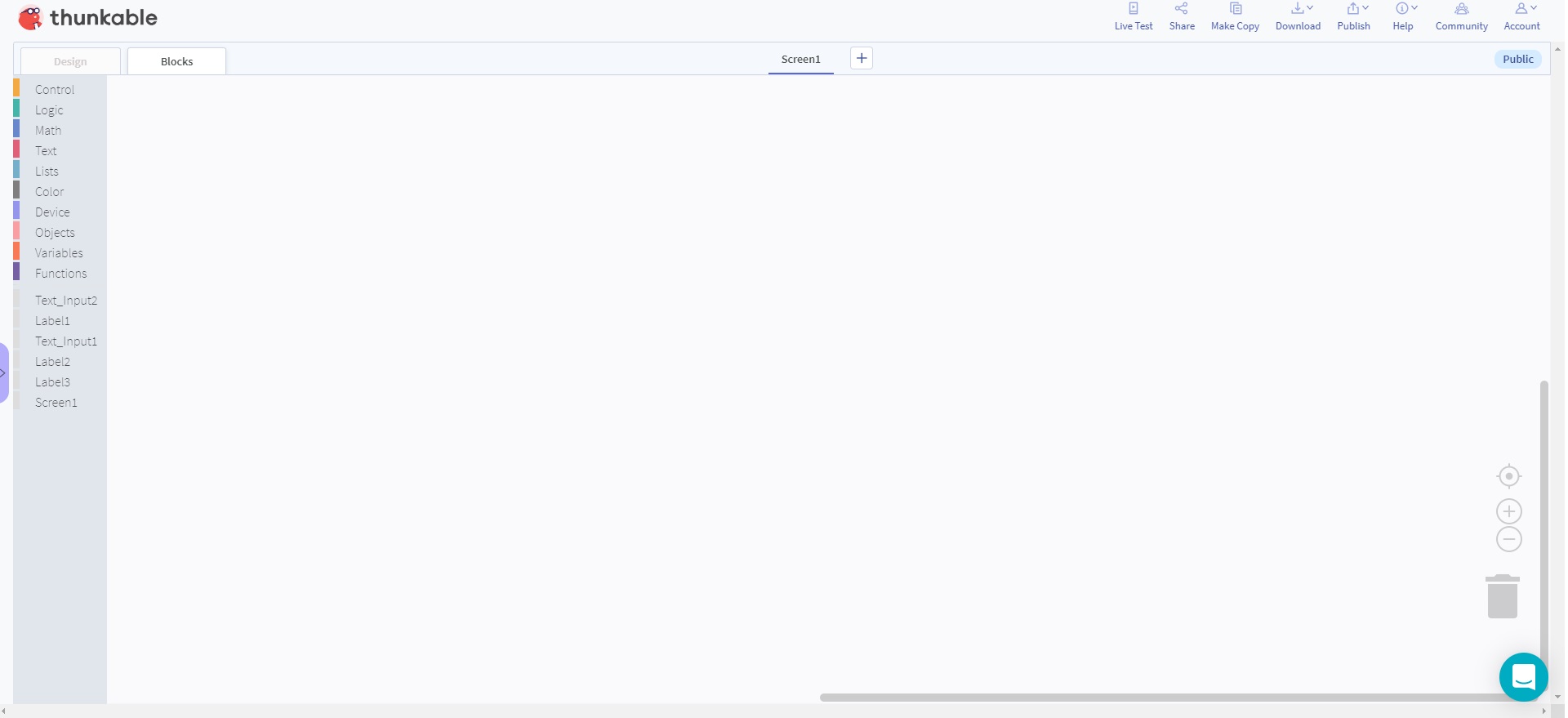
Here is “my thunkable” i cant drop the archive in the screen… what i am doing wrong?
sorry
---
### Author:  [@Peter\_Mathijssen](https://community.thunkable.com/u/Peter_Mathijssen)
#### Post date: [June 15, 2019, 6:20pm UTC](https://community.thunkable.com/t/how-to-write-in-text-input-and-return-on-label/107142/6 "2019-06-15T18:20:20Z")
You are in the wrong category. You posted in Classic but you are using X. Changed your category.
---
### Author:  [@db82203608aa4b](https://community.thunkable.com/u/db82203608aa4b)
#### Post date: [June 15, 2019, 7:15pm UTC](https://community.thunkable.com/t/how-to-write-in-text-input-and-return-on-label/107142/7 "2019-06-15T19:15:39Z")
Ops, now i understand the difference… thanks Peter…
In the X category can’t use extensions? And to use classic i need sign thunkable?
---
### Author:  [@eoinparkinson](https://community.thunkable.com/u/eoinparkinson)
#### Post date: [June 15, 2019, 7:43pm UTC](https://community.thunkable.com/t/how-to-write-in-text-input-and-return-on-label/107142/8 "2019-06-15T19:43:30Z")
there are no extensions in thunkable x currently
(edit)
regarding your question. you could use a timer to set off every 0.1 seconds and check inputs, run the calculation and then display it
---
### Author:  [@eoinparkinson](https://community.thunkable.com/u/eoinparkinson)
#### Post date: [June 15, 2019, 7:47pm UTC](https://community.thunkable.com/t/how-to-write-in-text-input-and-return-on-label/107142/9 "2019-06-15T19:47:25Z")
Here is your solution
[https://x.thunkable.com/copy/6b0e21fb7062b2d604d8da71486a0ebb](https://x.thunkable.com/copy/6b0e21fb7062b2d604d8da71486a0ebb)
---
### Author:  [@db82203608aa4b](https://community.thunkable.com/u/db82203608aa4b)
#### Post date: [June 15, 2019, 9:03pm UTC](https://community.thunkable.com/t/how-to-write-in-text-input-and-return-on-label/107142/10 "2019-06-15T21:03:37Z")
=O
Thanks!!!
I try with in “[https://x.thunkable.com/projects/5d04093826b1a0a60d9f8c2b/b15eb6dc-0865-4f8a-8548-0fc4c4c09c28/designer](https://x.thunkable.com/projects/5d04093826b1a0a60d9f8c2b/b15eb6dc-0865-4f8a-8548-0fc4c4c09c28/designer)”
But i dont know why my label dont return anything… can help please?
and why in the label are showing “NaN”? its possible show nothing?
---
### Author:  [@eoinparkinson](https://community.thunkable.com/u/eoinparkinson)
#### Post date: [June 15, 2019, 9:13pm UTC](https://community.thunkable.com/t/how-to-write-in-text-input-and-return-on-label/107142/11 "2019-06-15T21:13:22Z")
click on the timer (below the screen) and set loops to true
It shows NaN because you have entered nothing.
Make a simple if statement, and make it set text if label text is = to NaN
Here is what i mean 🙂
[https://x.thunkable.com/copy/41a6df59ff84c3cc0978b617eb871fa7](https://x.thunkable.com/copy/41a6df59ff84c3cc0978b617eb871fa7)
---
### Author:  [@db82203608aa4b](https://community.thunkable.com/u/db82203608aa4b)
#### Post date: [June 16, 2019, 4:21pm UTC](https://community.thunkable.com/t/how-to-write-in-text-input-and-return-on-label/107142/12 "2019-06-16T16:21:49Z")
You CRUSH ma friend!
Thanks so much!!! 😉
---
### Author:  [@db82203608aa4b](https://community.thunkable.com/u/db82203608aa4b)
#### Post date: [June 16, 2019, 8:31pm UTC](https://community.thunkable.com/t/how-to-write-in-text-input-and-return-on-label/107142/13 "2019-06-16T20:31:58Z")

Hi guys, my question is simple but my problem is still big for me !!
I will explain exactly what I need now
In the first column, I need to sum all of them and show in the last label … (all column’s need this, but if i learn how to in one, will can do in others i think)
At this moment i think learning how to do this i will can do anything i need …
---
### Author:  [@eoinparkinson](https://community.thunkable.com/u/eoinparkinson)
#### Post date: [June 16, 2019, 9:48pm UTC](https://community.thunkable.com/t/how-to-write-in-text-input-and-return-on-label/107142/14 "2019-06-16T21:48:15Z")
So in column 1, you want to type a number lets say “5” and in column 2 you want to type another number, lets say “1” and in column 3 give the answer “6”
**OR**
In column 1 you want to type “5+1” and in column 2/3/4 show answer “6”
This is what i am seeing it as. can you explain where exactly the inputs are by drawing with pen tool or something?
thanks
(edit)
ignore all that i can see now i think what you mean. sorry thunkable had a banner over the image at the bottom.
you want all the inputs from column 1 added together and display them at the very bottom under the same column?
---
### Author:  [@db82203608aa4b](https://community.thunkable.com/u/db82203608aa4b)
#### Post date: [June 16, 2019, 9:51pm UTC](https://community.thunkable.com/t/how-to-write-in-text-input-and-return-on-label/107142/15 "2019-06-16T21:51:43Z")
Yes think this…
We put 9 numbers… example:
500
1505
9503
2050
1007
3055
5000
1000
1500
the sum is 25120
so the last label will show 25120.
---
### Author:  [@eoinparkinson](https://community.thunkable.com/u/eoinparkinson)
#### Post date: [June 16, 2019, 9:52pm UTC](https://community.thunkable.com/t/how-to-write-in-text-input-and-return-on-label/107142/16 "2019-06-16T21:52:48Z")
and do you want this for every column? are they all addition yes?
thanks for confirming that
---
### Author:  [@db82203608aa4b](https://community.thunkable.com/u/db82203608aa4b)
#### Post date: [June 16, 2019, 9:53pm UTC](https://community.thunkable.com/t/how-to-write-in-text-input-and-return-on-label/107142/17 "2019-06-16T21:53:42Z")
Yes, the first and second we will put the numbers… the third and fourth will show the results later…
The final will be
Third column will do a math: (1text imput/total from first column)\*total from second column
=)
---
### Author:  [@eoinparkinson](https://community.thunkable.com/u/eoinparkinson)
#### Post date: [June 16, 2019, 9:55pm UTC](https://community.thunkable.com/t/how-to-write-in-text-input-and-return-on-label/107142/18 "2019-06-16T21:55:13Z")
okay so does column 1 and 2 act almost as 1 column? so we can say column 1 and column 2 are being added together? i dont understand what you mean by showing the results in 2 other columns if there can only be 2 number outputs and not 18.
---
### Author:  [@db82203608aa4b](https://community.thunkable.com/u/db82203608aa4b)
#### Post date: [June 16, 2019, 9:56pm UTC](https://community.thunkable.com/t/how-to-write-in-text-input-and-return-on-label/107142/19 "2019-06-16T21:56:27Z")
I will post a picture with a full example later… give me 30 minutes max plz
---
### Author:  [@eoinparkinson](https://community.thunkable.com/u/eoinparkinson)
#### Post date: [June 16, 2019, 9:58pm UTC](https://community.thunkable.com/t/how-to-write-in-text-input-and-return-on-label/107142/20 "2019-06-16T21:58:43Z")
yeah no worries.
[Next page](https://community.thunkable.com/t/how-to-write-in-text-input-and-return-on-label/107142.md?page=2)